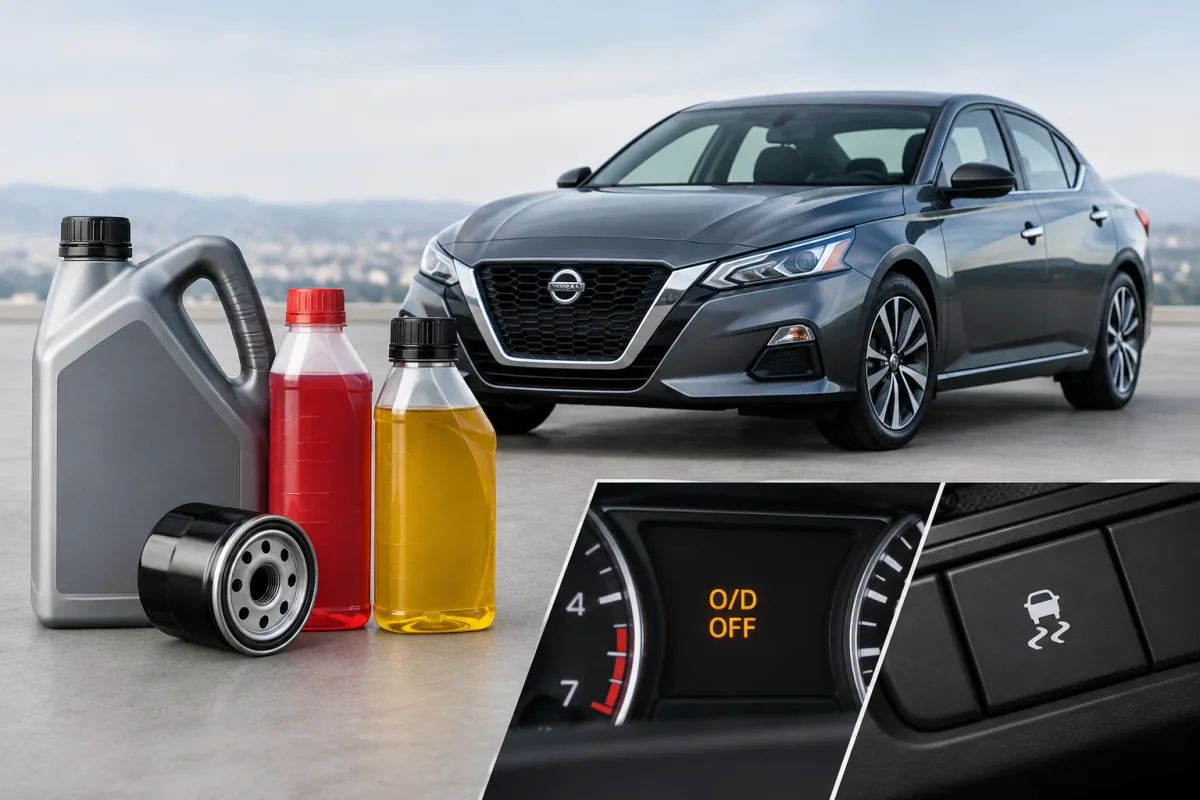
Nissan Altima owners commonly ask which engine oil to use, how to check the transmission fluid, what O/D OFF means, and what the VDC warning or button does. The correct answer depends on the Altima’s model year, engine, trim, and transmission configuration, so the vehicle-specific owner’s manual is the primary reference.
What kind of oil does a Nissan Altima take?
Nissan does not use one universal engine-oil specification for every Altima. The required viscosity, oil specification, and capacity can vary by model year and engine.
To identify the correct oil for your car, use the applicable Nissan Altima owner’s manual and check the Technical and Consumer Information section. Do not select oil based only on the vehicle name, because a four-cylinder Altima and a turbocharged model may have different requirements.
When changing the oil, confirm the recommended viscosity and specification for your exact vehicle before purchasing the oil. The maintenance schedule can also help identify the service requirements for a specific Altima year, trim, engine, and driving condition.
How to check transmission fluid in a Nissan Altima
Many newer Nissan Altima models use a continuously variable transmission, or CVT. Nissan recommends that CVT fluid checks and replacements generally be handled by a Nissan dealer. The available information does not establish one universal at-home dipstick procedure for every Altima version.
CVT-fluid requirements and service intervals vary according to model year, engine, trim, driving conditions, and transmission design. Avoid assuming that a procedure for one Altima applies to another.
2024 Nissan Altima CVT service examples
- For the 2.5-liter engine, Nissan lists CVT-fluid inspection at 10,000 miles or 12 months.
- For the turbocharged 2.0-liter engine, Nissan lists CVT-fluid inspection at 7,500 miles or 12 months.
- Under severe service, Nissan lists CVT-fluid replacement at 60,000 miles or 72 months for the 2.5-liter engine.
- Under severe service, Nissan lists CVT-fluid replacement at 60,000 miles or 96 months for the turbocharged 2.0-liter engine.
These figures apply to the specified 2024 Altima configurations and should not be treated as a universal schedule for every model year.
What does O/D OFF mean on a Nissan, and how do you turn it on?
O/D OFF means overdrive is switched off. The control appears on certain older or specific Nissan Altima configurations rather than every Altima.
With the selector in Drive, press the O/D OFF switch to activate the function. The O/D OFF indicator illuminates on the instrument panel. Press the switch again to turn the function off, and the indicator goes out.
Nissan describes O/D OFF as useful when additional engine braking is needed. It may be helpful on a downhill section or in another situation where maintaining the highest transmission ratio is not desirable. It is not a feature that needs to remain activated during ordinary driving.
What is VDC on a Nissan?
VDC stands for Vehicle Dynamic Control. It is Nissan’s vehicle-stability system, designed to help maintain control when the vehicle begins to lose traction or follow the intended direction.
VDC should normally remain enabled during driving. Nissan says it may be turned off temporarily when freeing the vehicle from mud or snow, where wheel slip can be necessary to get moving.
If the VDC warning remains illuminated or appears while driving, Nissan recommends having the system checked by a Nissan dealer. A persistent warning can indicate that the system requires inspection.
Where to find the correct Nissan Altima information
Nissan provides model- and year-specific Altima owner’s manuals and maintenance information through its official owner resources. Select the exact model year and vehicle details before checking engine-oil specifications, transmission information, or dashboard controls.
For maintenance scheduling, Nissan’s maintenance resource allows owners to select the Altima model year, trim, engine, and driving conditions. This is important because service intervals are not identical across all Altima configurations.